When launching or upgrading a school ID program, school administrators often start by searching for simple, entry-level design tools to test badge layouts, photo alignment, and data fields.
While general graphic design applications or basic card utilities can help sketch an initial visual layout, running an efficient, campus or district level K–12 badging program requires purpose-built software. A dedicated platform must seamlessly connect card design templates, live webcam photo capture, and high-speed batch printing.
Here is a guide to evaluating ID card software for your school—and why specialized platforms like EliteID and EliteID+ provide the ultimate foundation for K–12 badge issuance.
1. What to Look For in Dedicated K–12 Badging Software
A complete K–12 ID software platform should simplify administrative tasks and scale with your school’s security requirements:
| Feature | Why It Matters for K–12 Schools |
|---|---|
| Cloud-Based Accessibility | Allows administrative staff, resource officers, and IT managers to log in and manage badge queues from any web browser or desktop station without complex local server installs. |
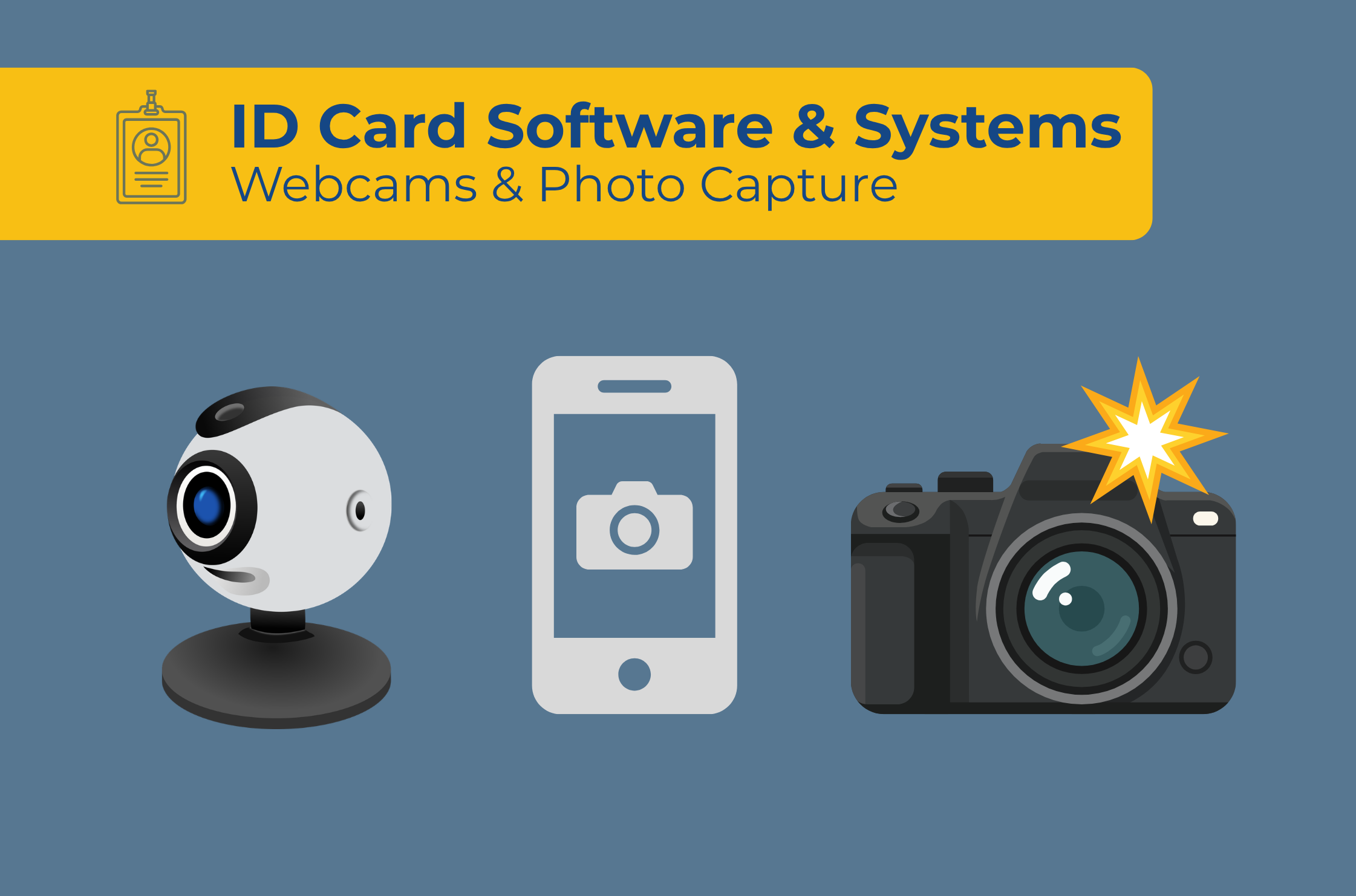
| Photo Capture Options | Take photos with a web cam or device camera and easily crop or rotate in the software. |
| Data Dashboard | Enables IT directors to manage card templates, re-issuance cards, and view history from one dashboard. |
2. Introducing EliteID: Built Specifically for K–12 ID Issuance
To give school administrators a powerful, intuitive, and reliable badging engine without the clutter of overly complex software, we recommend EliteID.
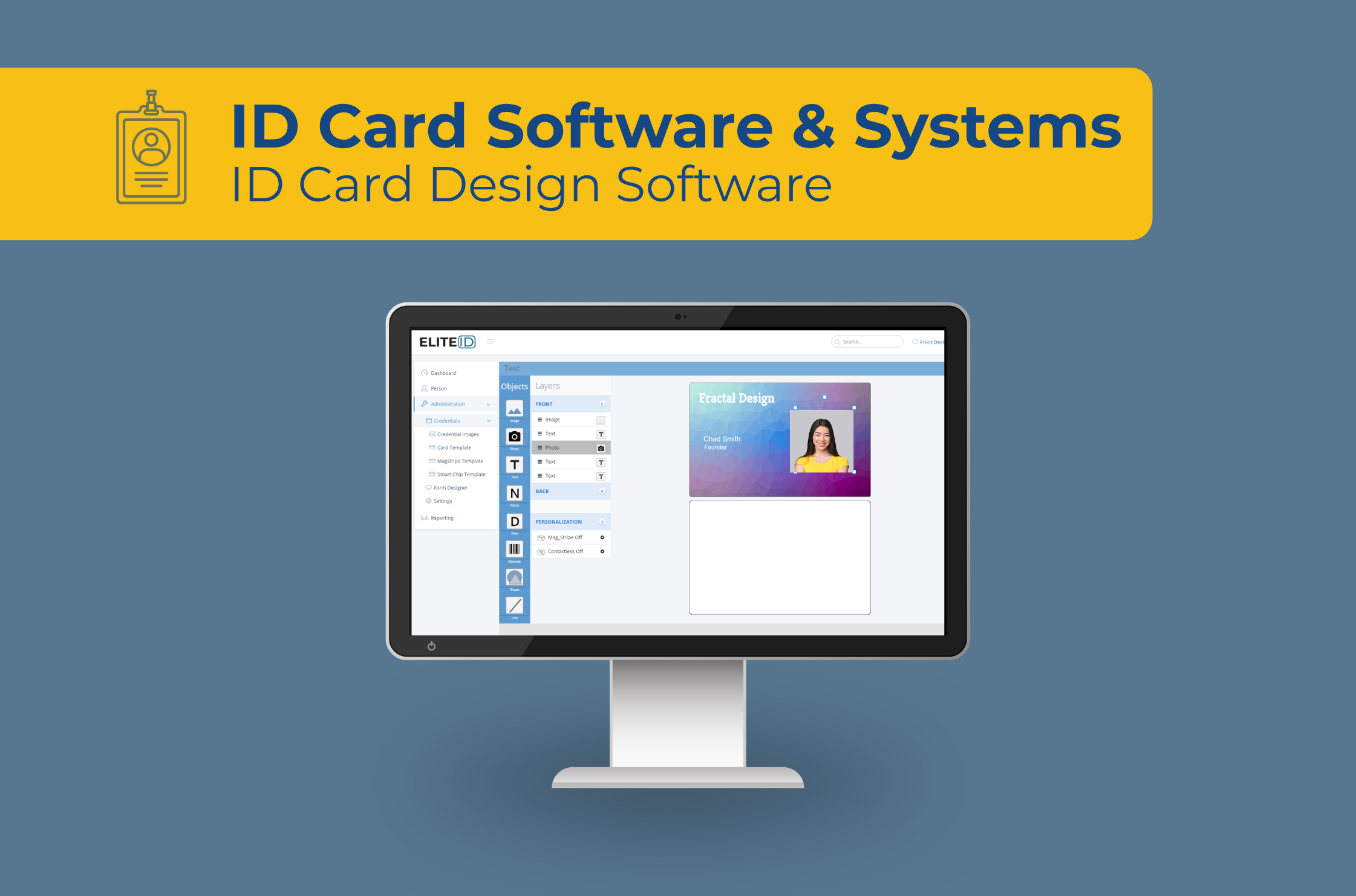
EliteID is our primary cloud-based card design and management platform tailored to K–12 workflows.
Key Capabilities of EliteID:
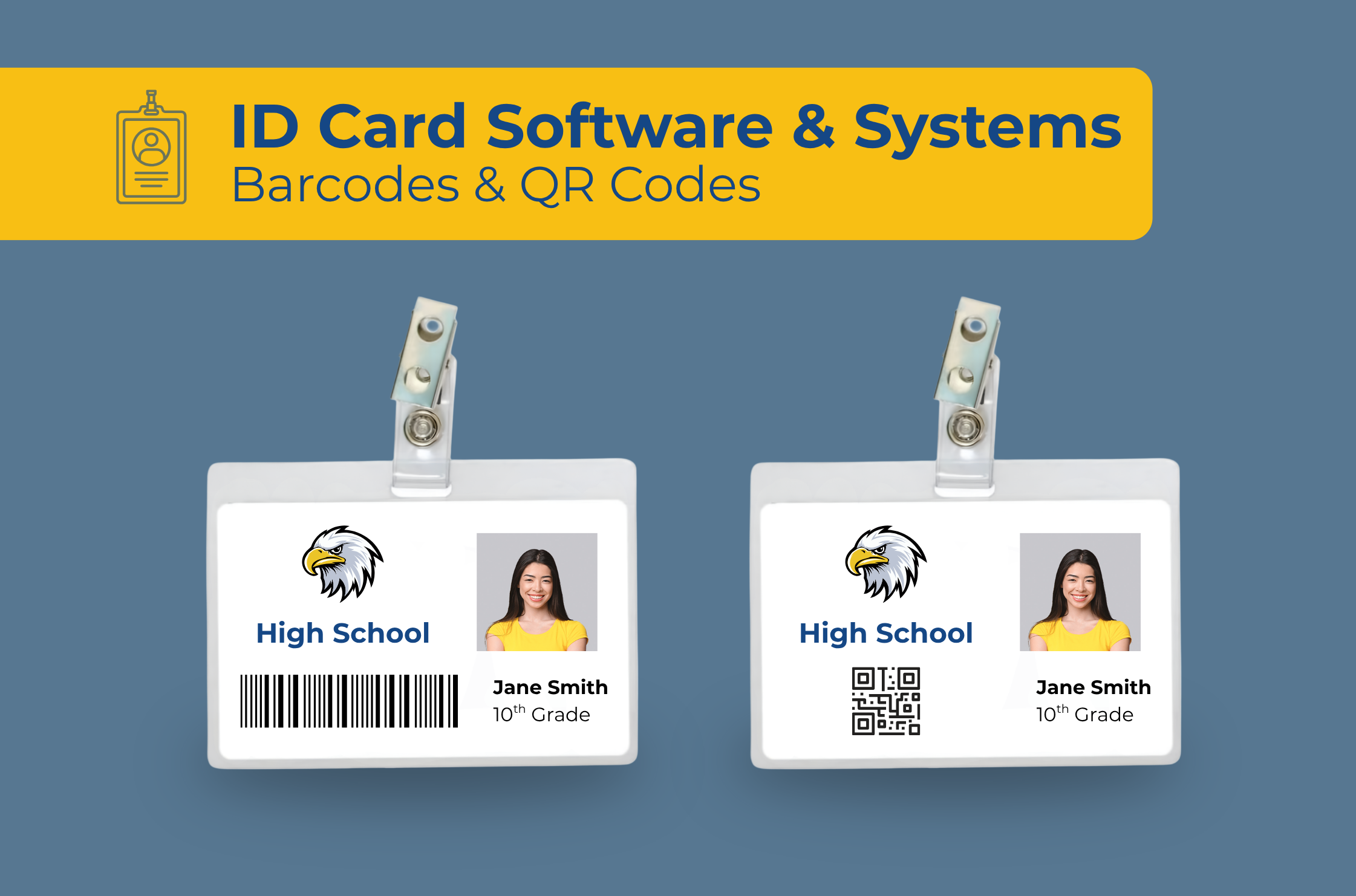
Intuitive Designer: Easily position school logos, student photos, dynamic text fields (Name, Grade, ID Number), state crisis hotline numbers, and barcodes on vertical or horizontal card canvases.
Rapid Batch Printing: Queue and batch-print hundreds of student badges during fall registration drives or orientation days.
Print Driver Optimization: Communicates directly with leading ID card printers to ensure crisp photos and scannable barcodes.
Re-Issuance Tracking: Keep a clear audit trail of lost or damaged badge replacements, tracking card issuance history directly within the software.
3. Upgrading to EliteID+: Advanced Security, Smart Cards & Magstripe
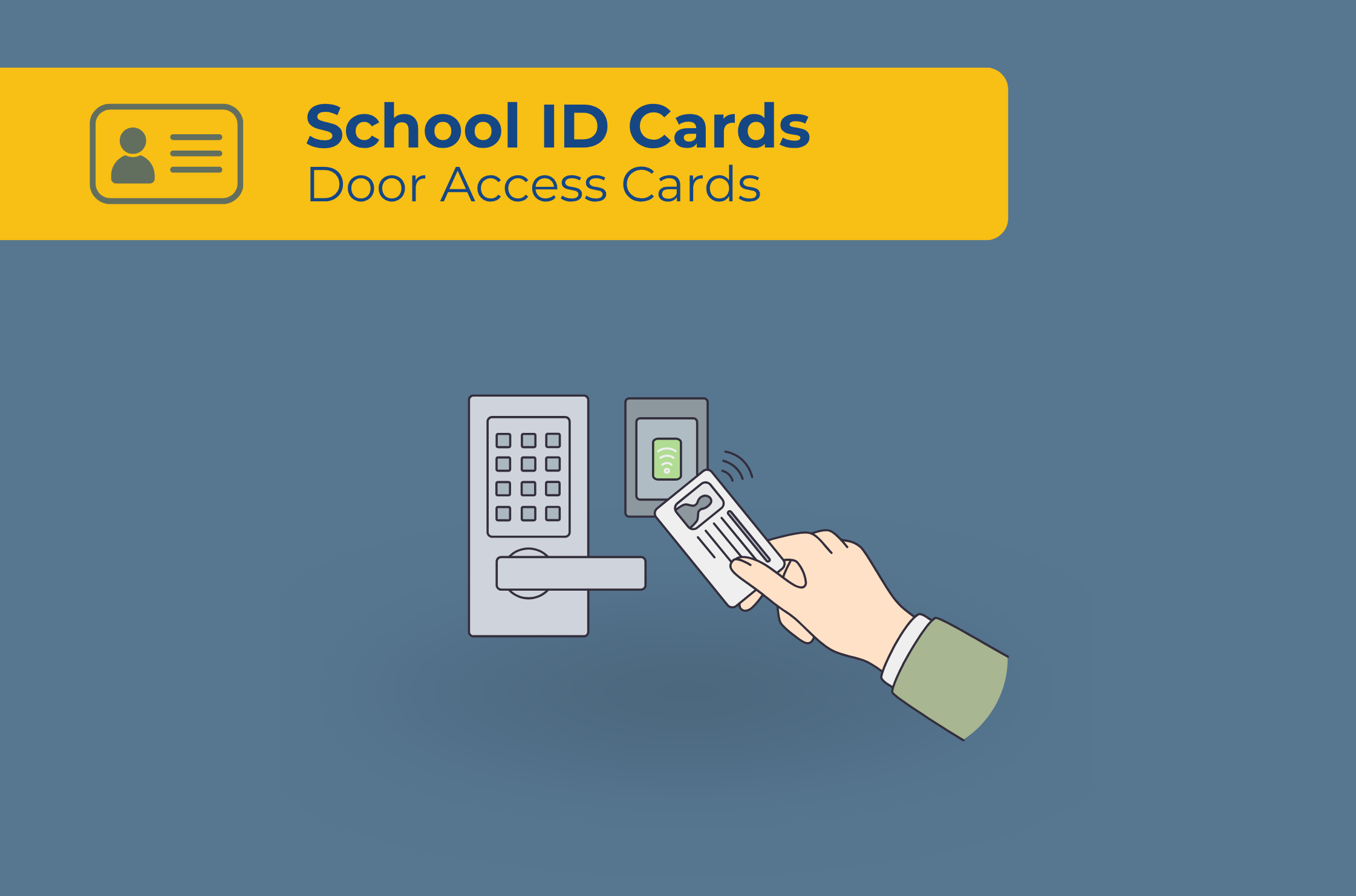
For school districts that require integrated campus access control, cafeteria POS integration, or multi-technology staff credentials, EliteID+ unlocks powerful encoding and data-tracking capabilities.
Additional Capabilities in EliteID+:
Smart Card Support: Advanced card technologies are supported during the card printing process.
Magnetic Stripe Encoding: Encode ISO magnetic stripes for cafeteria POS lines, library checkout kiosks, or vending systems.
Multi-Layer Security & Conditional Printing: Define rules that automatically apply specific visual security borders, background colors, or icons based on student grade level or staff role.
4. Software Comparison: EliteID vs. EliteID+
| Feature / Capability | EliteID (Standard) | EliteID+ (Advanced) |
|---|---|---|
| Photo Capture | Included | Included |
| Batch Printing | Included | Included |
| 1D & 2D Barcode Support | Included | Included |
| Magnetic Stripe Encoding | — | Included |
| Proximity / Smart Card Support | — | Included |
| Ideal Use Case | Standard photo IDs, barcodes for lunch/library, visitor badging. | Door access control, smart cards, magstripe POS, high-security campuses. |
Ready to Streamline Your School’s ID Issuance?
Selecting the right badging software eliminates manual data entry errors and ensures your orientation drives run smoothly year after year.
Whether your school needs straightforward photo ID printing with EliteID or smartcard support with EliteID+, our team can help you select the exact software, card printers, and supplies for your campus.