Capturing clear, high-quality photos is one of the most important steps when issuing student ID badges. Whether your school processes students live during fall registration or allows families to upload photos ahead of time, your photo capture workflow dictates how quickly and accurately cards can be printed.
Inefficient photo setups can cause long lines on orientation day, produce blurry images, or result in mismatched student profiles.
Understanding your hardware options—from everyday webcams to professional DSLR cameras and online photo submission—will help you build an efficient badging station for your school or district.
1. Choosing the Right Photo Capture Hardware for Your Campus
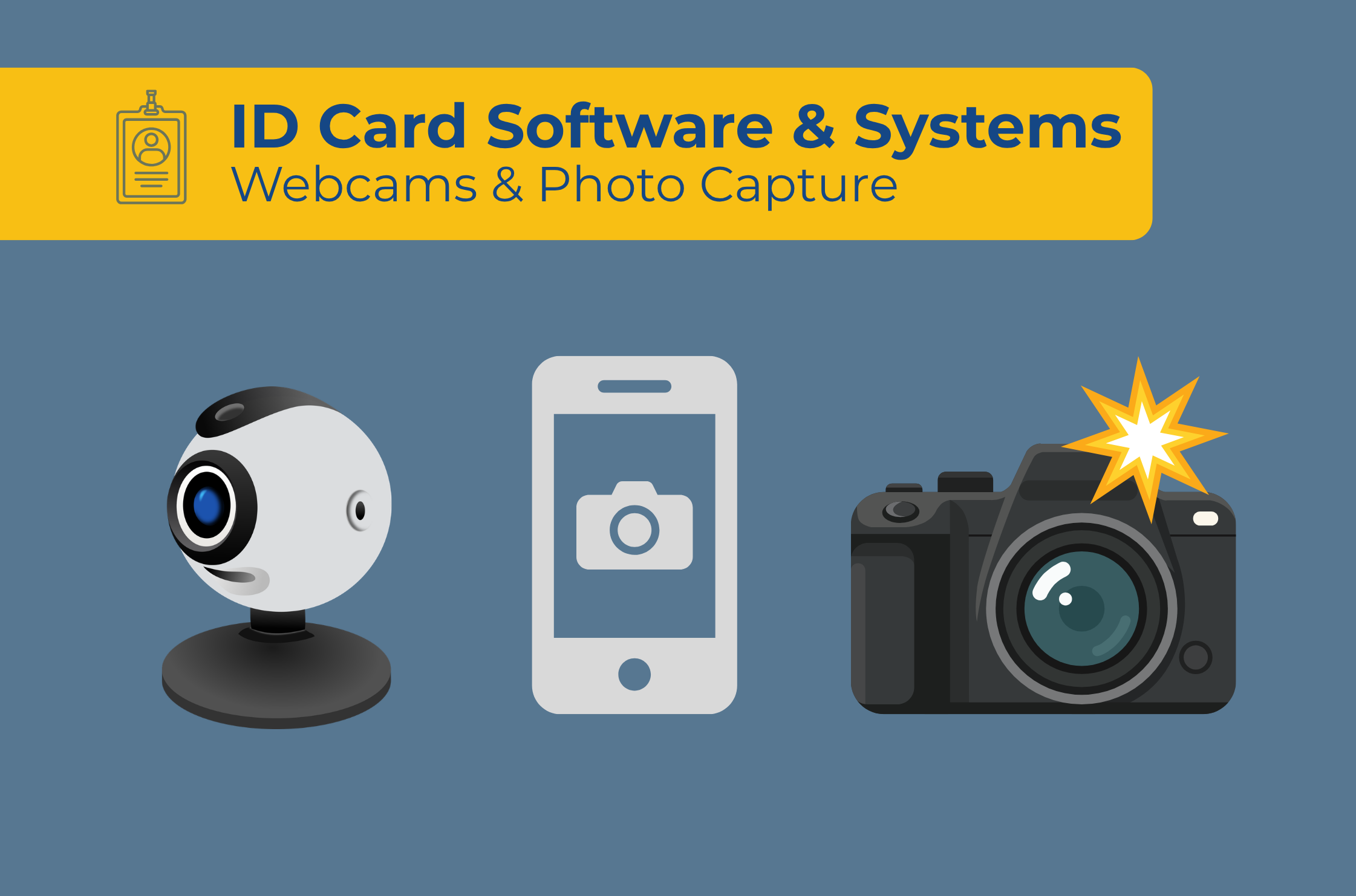
Different school environments require different image quality standards and equipment setups. K–12 badging stations typically utilize one of three primary hardware choices:
| Hardware Type | Best For | Key Operational Advantage |
|---|---|---|
| Standard Desktop Webcams & Integrated Device Cameras | Front-office visitor badging & replacement student IDs | Affordable, plug-and-play setup using standard USB connections or built-in laptop/tablet cameras. |
| Professional Canon DSLR Cameras | High-volume fall orientation drives & studio-quality portraits | Superior lens optics, flash synchronization, and sharp image detail for high-resolution card printing. |
| RemotePhoto Online Upload Portal | Pre-registration & student self-service photo collection | Allows parents and students to submit ID photos online prior to the start of the school year. |
2. Best Practices for Setting Up a Live Photo Capture Station
To ensure student ID photos are uniform and instantly recognizable by resource officers and staff, follow these core staging guidelines:
Consistent Backgrounds: Position your photo capture station in front of a solid white, light blue, or neutral grey backdrop. Avoid textured walls or busy hallway backgrounds.
Proper Lighting: Place diffuse lighting in front of the student to eliminate heavy facial shadows. Avoid backlighting from nearby windows.
Fixed Camera Height: Mount webcams or cameras on adjustable desktop tripods so operators can quickly adjust for height differences between grade levels.
3. Flexible Photo Capture Options in EliteID and EliteID+
Managing photos requires software that adapts to your existing hardware setup.
Our cloud-based badging platforms give school administrators complete flexibility over how images are gathered:
Live Capture with Standard Webcams & Device Cameras (EliteID)
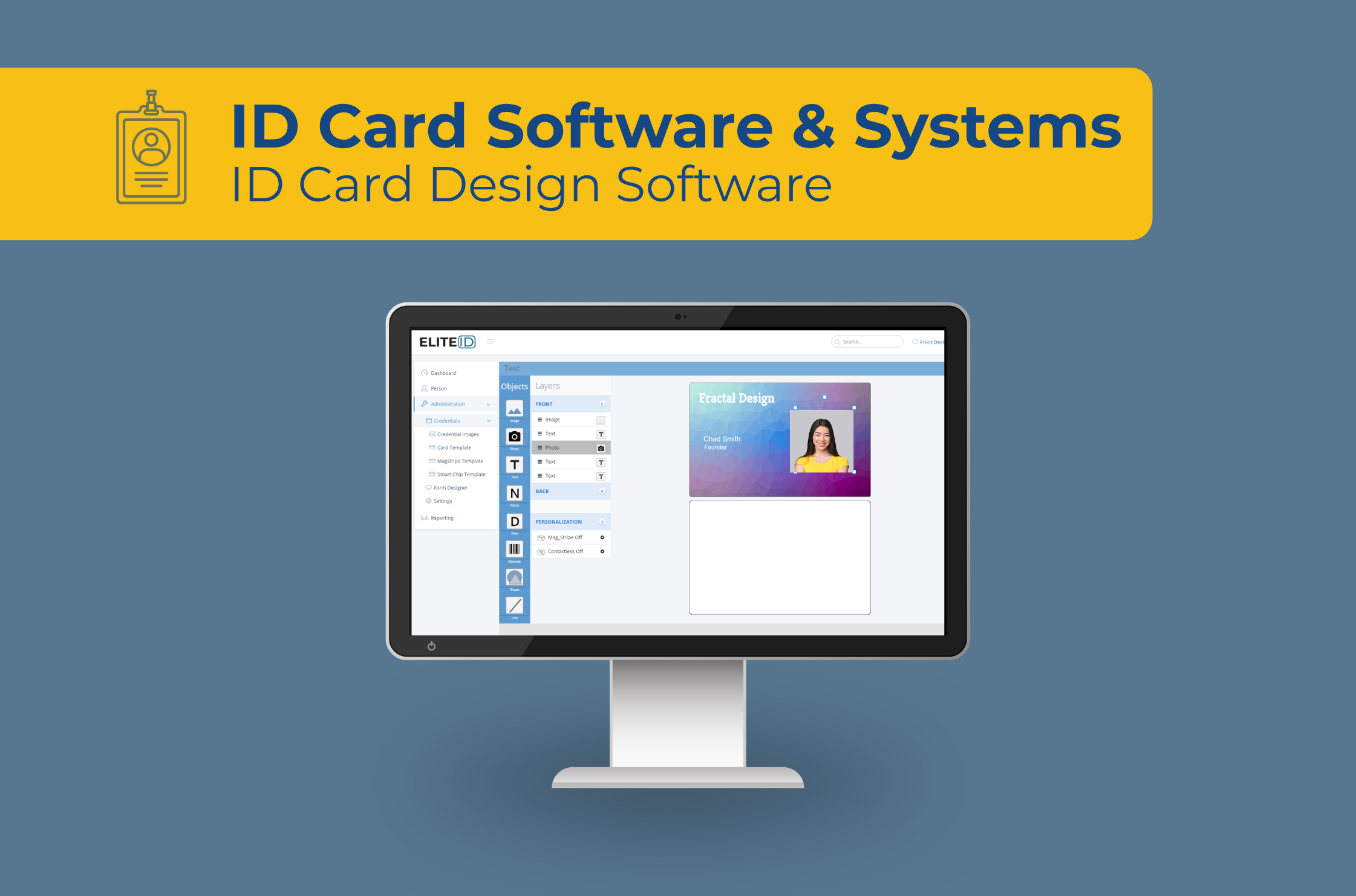
With EliteID, front-office operators can take live photos using standard USB webcams or built-in device cameras (such as laptop or tablet webcams) directly inside the browser interface. Images attach instantly to the active student profile, ready for immediate badge printing.
Professional Canon Camera Integration (EliteID+)
For school districts seeking studio-quality student portraits during orientation events, EliteID+ offers native support for professional Canon DSLR cameras.
With direct tethered Canon camera support, operators can trigger high-resolution portrait shots directly from the computer screen, transferring photos straight into the student badge queue.
4. Student Self-Uploads with RemotePhoto Integration
For K–12 schools looking to complete photo collection before orientation day even begins, EliteID seamlessly manages student self-uploads via RemotePhoto.
If your school subscribes to RemotePhoto, parents and students can snap and submit their own ID photos online using a smartphone or web browser prior to the start of the school year:
Centralized Management: Review, approve, or reject incoming student photo submissions directly within your EliteID dashboard.
Pre-Batch Ready: Approved RemotePhoto submissions automatically populate the student record in EliteID, allowing administrative staff to print complete batches of badges in advance.
Eliminates Orientation Lines: Students simply pick up their pre-printed badges on registration day instead of waiting to have their photos taken individually.
Build the Perfect Photo Capture Workflow for Your School or District
Whether you need live webcam capture at your front desk with EliteID, studio-grade Canon DSLR integration with EliteID+, or online student self-uploads with RemotePhoto, choosing the right combination of hardware and software keeps your campus badging program organized and efficient.